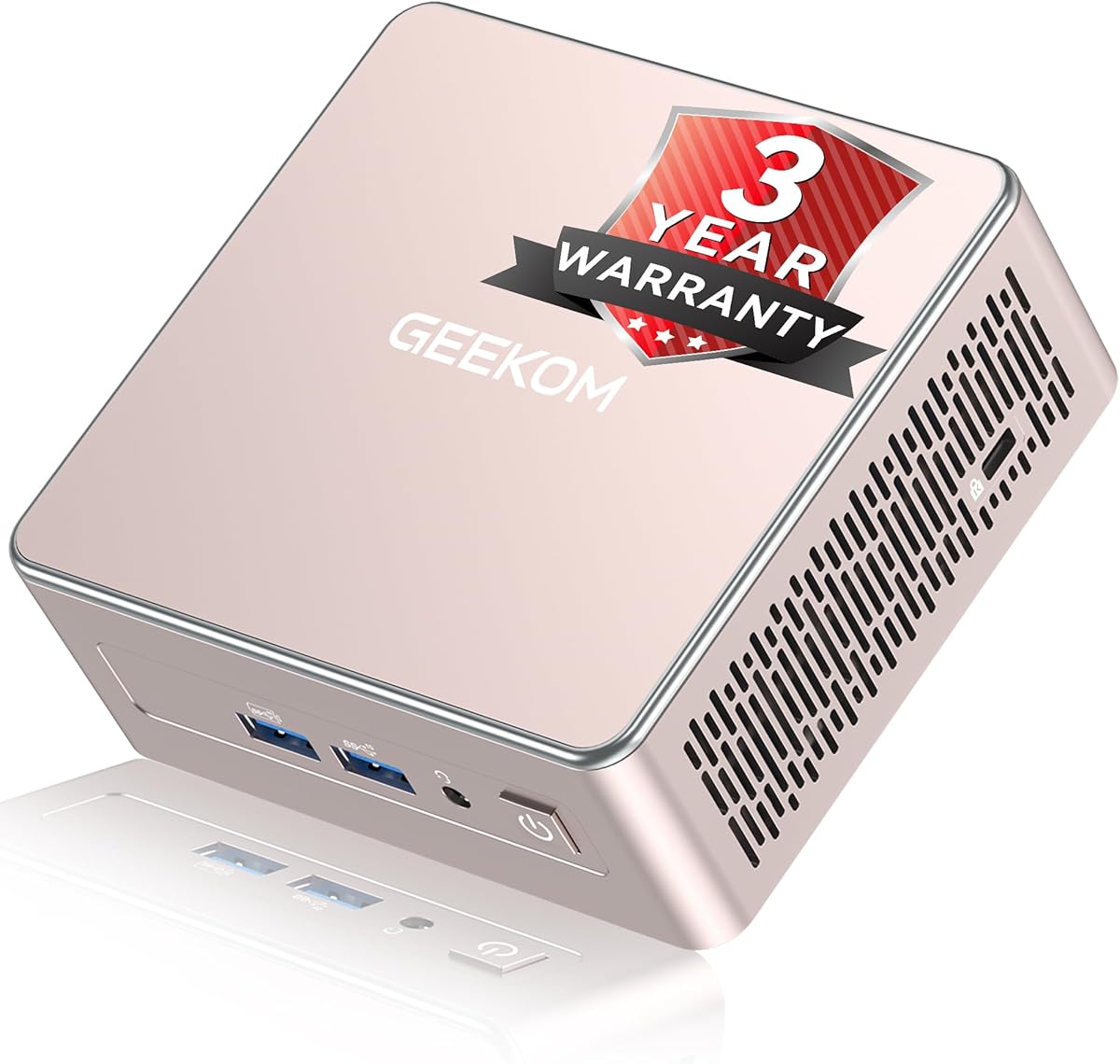
GEEKOM A5 2027 Edition
4.5Editor score
Ryzen 7 7730U processor
Four-display multi-monitor support
Expandable DDR4 memory
Compact 0.6-liter chassis
Our expert guide compares 10 mini PCs with 2 HDMI ports, examining dual-display support, processors, memory, storage, networking, and expansion options for
A mini PC with 2 HDMI ports is particularly useful for anyone who wants a compact computer for two separate monitors without relying on DisplayPort adapters or USB-C docking stations. The right model can improve multitasking, make control-room work easier, and provide a tidy alternative to a traditional desktop tower.
This guide compares ten mini PCs based on processor capability, memory, storage, video output, wired and wireless networking, display support, cooling, upgradeability, and intended workload. The list covers budget office systems, business-oriented models, home-server candidates, and more powerful configurations for demanding multi-screen workflows.
Each review highlights the features that distinguish the selected model while remaining clear about practical trade-offs. Display support, memory capacity, and connectivity vary considerably across the list, so shoppers should compare the specifications with their own monitors and workload. Prices and availability can change, making a current listing check important.
4.5Editor score

4.6Editor score

4.4Editor score
The comparison below covers processor level, memory and storage, display configuration, and networking across all ten mini PCs, making it easier to identify the model that matches your monitor layout and productivity needs.




The BOSGAME E5 combines a Ryzen 3 5300U processor with 8GB of DDR4 memory and a 256GB M.2 SSD, earning a 4.6 rating among customers. It stands out for offering three different display outputs, including HDMI, DisplayPort, and a full-function USB-C connection that can also handle data and power delivery.
We may earn a commission when you buy through this link, at no additional cost to you.
Its main strengths center on flexibility. The dual SODIMM slots support memory expansion up to 64GB, while an additional M.2 2280 NVMe slot allows a second drive without replacing the original SATA SSD. Two Realtek RTL8125 2.5GbE ports, Wi-Fi 5, and support for network applications add unusual value for an entry-level compact computer.
The main limitation is the modest 8GB memory configuration, which may become restrictive with many browser tabs or several demanding applications. The supplied description also explicitly positions the E5 for standard productivity and network server use rather than intensive professional 3D rendering or demanding 3A games. Those boundaries are sensible for its hardware tier.
This is a strong recommendation for a buyer who wants two monitors now, possible memory and storage expansion later, and strong wired networking in a compact enclosure. It is less suitable for a gaming-focused build or a workstation that must handle large creative projects. For general office productivity with room to upgrade, it is one of the most versatile options in the guide.
The E5 can combine its HDMI port with DisplayPort or full-function USB-C for a three-screen arrangement. Users who want two displays can choose the most convenient outputs for their desk without immediately requiring a docking station.
Dual 2.5GbE ports make the system appealing for advanced home networks and server-oriented projects. Expandable memory and a second NVMe-capable slot also provide a clearer upgrade path than systems with entirely soldered components.
We may earn a commission when you buy through this link, at no additional cost to you.
The GMKtec M8 pairs the six-core, 12-thread AMD Ryzen PRO 6650H with Radeon 660M graphics, 16GB of LPDDR5 memory, and a 512GB NVMe SSD. Although it provides one listed HDMI 2.0 connection, its DisplayPort and USB4 video options make it a capable multi-screen system when a broader mix of connectors is acceptable.
We may earn a commission when you buy through this link, at no additional cost to you.
The M8 is built for more demanding office and creative workloads. Its integrated Radeon 660M graphics are positioned for mid-range gaming and 4K video editing, while dual 2.5GbE LAN ports support advanced networking, link aggregation, virtualization, and home-server configurations. USB4 provides 40Gbps data transfer, charging, and display output, and OCuLink opens the door to a high-speed external GPU.
Storage is also flexible, with two M.2 2280 slots offering up to 4TB per slot according to the supplied information. Cooling uses larger top and bottom fans and copper heat pipes, while three BIOS performance modes let users choose 28W, 35W, or 40W operating profiles. These features add complexity, but they also make the system adaptable to different noise and performance priorities.
Buyers seeking a powerful mini PC for multi-monitor productivity, content creation, virtualization, or enthusiast computing should give the M8 serious consideration. It is less compelling for a simple two-HDMI office station, particularly if native HDMI simplicity is the priority. Even so, its processing power, fast memory, networking, and expansion options make it one of the strongest performance-oriented systems here.
Six CPU cores, 12 threads, and Radeon 660M graphics give the M8 considerably more headroom than entry-level mini PCs. The platform is better suited to heavy multitasking, content creation, and compact workstation duties.
OCuLink, USB4, DisplayPort, HDMI, and dual 2.5GbE ports create a flexible platform for specialized peripherals and network roles. The system can serve mainstream productivity first while remaining open to future expansion.
We may earn a commission when you buy through this link, at no additional cost to you.
The GMKtec G3 Ultra is one of the clearest answers to this search because it includes two native HDMI 2.0 ports. It combines them with an Intel Pentium Gold 7505, 16GB of LPDDR4 memory, and a 512GB M.2 SSD, delivering the most direct two-HDMI arrangement in the roundup.
We may earn a commission when you buy through this link, at no additional cost to you.
Both HDMI outputs support 4K at 60Hz, making the system well suited to side-by-side spreadsheets, browser windows, monitoring dashboards, and media playback. The processor is described as providing substantially better single-core responsiveness than the Ryzen 5 3500U and stronger integrated graphics than Intel N100 or N150-class chips, which helps office applications and 4K streaming feel more responsive.
Connectivity is well suited to offices and homes, including three USB 3.2 Gen2 ports, USB 2.0, a 3.5mm audio jack, Wi-Fi 6, Bluetooth 5.2, and 2.5GbE Ethernet. Storage expansion is available through a secondary M.2 slot. The principal trade-off is that its LPDDR4 memory is not user-upgradeable, so the included 16GB is effectively the final capacity.
This is the most straightforward recommendation for someone whose priority is two HDMI monitors without adapters. It is better suited to productivity and media than intensive gaming, but the dual native ports, 16GB memory, and 512GB drive make it particularly balanced for offices, study spaces, and control screens.
Two HDMI 2.0 outputs remove the need to rearrange displays when working with a mixed-port monitor setup. Each connection can deliver 4K at 60Hz according to the supplied specifications.
The 16GB memory configuration supports multitasking better than many similarly compact systems. A 512GB SSD provides a practical balance between operating-system space, applications, and active documents.
We may earn a commission when you buy through this link, at no additional cost to you.
The KAMRUI AK1PLUS combines a four-core Intel Celeron N5095 with 16GB of LPDDR4X memory and a 256GB M.2 SSD. Its 4.4 rating reflects a practical package for users who value a roomy memory configuration and native dual-HDMI connectivity over high-end processing power.
We may earn a commission when you buy through this link, at no additional cost to you.
The two HDMI 2.0 ports can each drive a 4K 60Hz display, a useful combination for office productivity, online learning, digital signage, and financial monitoring. Four USB 3.2 ports, Gigabit Ethernet, Wi-Fi, and Bluetooth cover common peripheral needs. Auto Power On, RTC Wake, and Wake-on-LAN features make it relevant to kiosks, unattended workstations, and managed business environments.
Storage flexibility is another strength. The system supports an additional M.2 SATA or NVMe drive of up to 2TB and a 2.5-inch SATA drive of up to 2TB, allowing total storage capacity of up to 4TB according to the product information. The trade-off lies in the N5095 processor, which is best for office applications and media consumption rather than demanding creative work or modern gaming.
The AK1PLUS is a compelling selection for budget-conscious buyers who want two dedicated 4K displays, 16GB of memory, and simple storage growth. It is especially suitable for reception desks, remote-work setups, classrooms, and compact media centers. Users with CPU-heavy software should step up to a more powerful processor.
The AK1PLUS is designed to make two-monitor work straightforward. Native 4K output, 16GB of memory, and a full set of USB ports create a useful productivity platform without requiring a larger tower.
Both M.2 and 2.5-inch expansion options make it easier to retain documents, media, and backups without replacing the primary drive. This is valuable for users who begin with modest storage and expand later.
We may earn a commission when you buy through this link, at no additional cost to you.
The Getorli mini PC uses a four-core, eight-thread AMD Ryzen 5 3501U processor with 16GB of expandable DDR4 memory and a 512GB NVMe SSD. It is designed around the two most common compact-workplace needs: comfortable multitasking and direct support for two high-resolution displays.
We may earn a commission when you buy through this link, at no additional cost to you.
The dual HDMI connections support 4K Ultra HD output, allowing a user to keep a main productivity display beside a communication window, research page, or media screen. Upgradable DDR4 can reach 32GB, while the fast NVMe drive accelerates system startup and application loading. Wi-Fi 6 and Bluetooth 5.3 provide current wireless standards for peripherals and network access.
Its port selection includes two USB 2.0 ports, two USB 3.0 ports, a USB 2.0 Type-C connection, and a full-featured USB 3.2 Type-C port. This makes the system flexible for peripherals, though users should verify which accessories require the full-featured Type-C connector. The processor supports everyday home-office and business tasks, but it is not positioned as a high-end gaming system.
This Getorli model is a good middle-ground option for someone who values native HDMI simplicity, generous memory, and fast storage. It works especially well for web research, office applications, media streaming, and light gaming. The absence of a published rating means buyers should examine current customer feedback on the product page before deciding.
Sixteen gigabytes of DDR4 is enough for many browser-heavy workflows and office applications. The ability to expand to 32GB also improves its suitability for users whose workload will grow.
Two dedicated HDMI outputs make this a practical alternative to systems that require DisplayPort or USB-C adapters. It is easy to move between single-screen and dual-screen arrangements.
We may earn a commission when you buy through this link, at no additional cost to you.
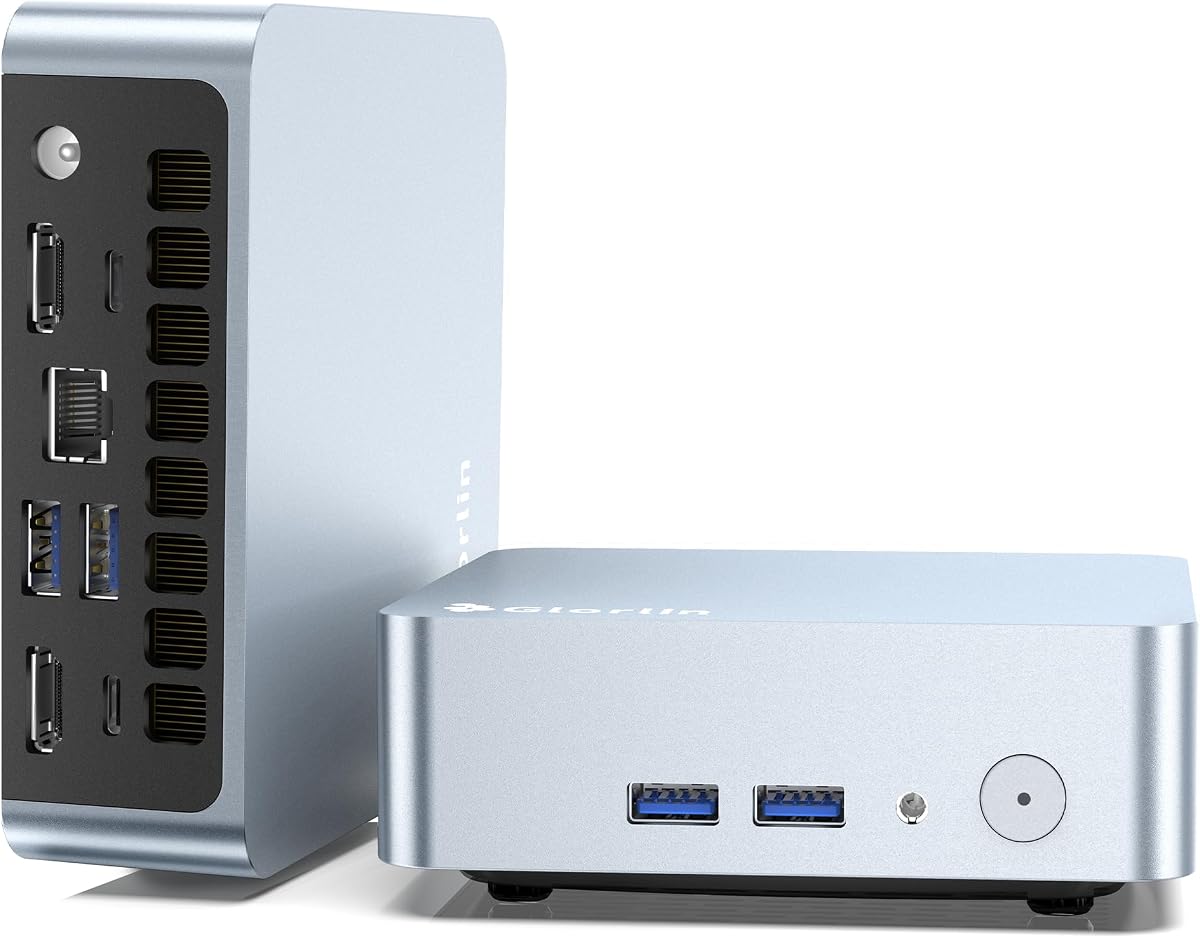
The Glorlin mini PC pairs a Ryzen 5 3500U with 8GB of expandable DDR4 memory and a 256GB NVMe SSD. It is especially interesting for display-focused users because it provides two HDMI ports plus a DisplayPort-capable full-function USB-C connection, allowing as many as three 4K screens.
We may earn a commission when you buy through this link, at no additional cost to you.
That third output creates more flexibility than a conventional dual-monitor setup. A user could place a full-function Type-C display beside two HDMI-driven screens, which is useful for stock monitoring, creative work, control panels, and multi-window productivity. The system also includes USB 3.2, USB 2.0, another USB-C port, Wi-Fi 6, and Bluetooth 5.3.
The Ryzen 5 3500U provides four cores and eight threads for everyday computing, browsing, streaming, and multitasking. Its main limitation is the initial 8GB memory allocation, although the stated support for expansion to 32GB reduces the concern if the system offers accessible memory slots in the installed configuration. A preinstalled operating system is also listed, which can simplify initial setup.
The Glorlin is most suitable for users who want two HDMI connections but may eventually add a third display. It is a reasonable office and home productivity platform, though buyers with heavy multitasking needs should upgrade memory immediately or consider a 16GB alternative. It is not designed to replace a dedicated gaming computer.
The full-function Type-C output expands the system beyond two HDMI screens. This makes the mini PC useful for demanding information layouts where a third panel improves visibility and control.
The memory can be expanded to 32GB, allowing the installed 8GB to be treated as a starting point. Buyers should verify the available memory configuration and compatible modules before purchasing.
We may earn a commission when you buy through this link, at no additional cost to you.
The GMKtec G10 combines a Ryzen 5 3500U with 16GB of DDR4 memory and a notably generous 1TB SSD. Its 4.2 rating reflects a capable general-purpose package, while the large storage allocation distinguishes it from many mini PCs that prioritize lower cost over space.
We may earn a commission when you buy through this link, at no additional cost to you.
Display flexibility is another asset. HDMI 2.1, DisplayPort 1.4, and a full-function USB-C connection can be combined for three simultaneous 4K displays. The system therefore satisfies a two-display requirement while giving users another route for a more elaborate workstation. Dual USB 3.2 ports, USB 2.0, 2.5GbE Ethernet, and 2.5mm audio connectivity cover common desk accessories.
Memory can be expanded to 64GB, and dual M.2 2280 PCIe 3.0 slots support substantial storage growth, with upgrades not included. Configurable processor power ranges from 12W to 35W, offering a way to balance efficiency and performance. The trade-off is that the Ryzen 5 3500U is an older platform, and Wi-Fi 5 is less advanced than the Wi-Fi 6 or 6E options found elsewhere in the guide.
The G10 is best for users who want plenty of local storage, 16GB of memory, and the option to operate three screens. It suits a large document library, media collection, development environment, or multi-monitor office. Buyers seeking newer wireless capabilities or a very demanding CPU workload should consider a more recent platform.
A 1TB drive reduces the need for an immediate storage upgrade. It is especially useful for media libraries, project files, virtual machines, and users who prefer keeping active data locally.
HDMI, DisplayPort, and full-function USB-C make the G10 adaptable to different monitor ecosystems. Users can start with two HDMI screens and add a third through another output when needed.
We may earn a commission when you buy through this link, at no additional cost to you.
The GEEKOM A5 2027 Edition combines an eight-core, 16-thread Ryzen 7 7730U with 16GB of RAM and a 256GB PCIe NVMe SSD. Its 4.5 rating reflects strong customer reception, and the hardware provides a clear upgrade path beyond ordinary office-focused mini PCs.
We may earn a commission when you buy through this link, at no additional cost to you.
The display configuration is the headline feature for a multi-screen buyer. Dual HDMI and dual USB-C connections can support up to four displays, including up to 8K output through USB-C. That makes the A5 suitable for high-end trading layouts, creative studios, engineering dashboards, and professional multi-window workflows that would overwhelm simpler compact systems.
Its internal design is unusually flexible. Dual-slot DDR4 can be upgraded to 64GB, the primary M.2 slot supports an SSD of up to 4TB, and an extra M.2 2242 slot plus a 2.5-inch hard-drive bay allow total storage capacity of up to 10TB. The IceBlast 3.0 cooling system is designed to improve cooling efficiency and airflow while keeping operation quiet.
The initial 256GB drive is modest for a premium configuration, so owners with substantial file libraries may need to add storage. Nevertheless, the A5 is the most compelling recommendation here for users whose priority is a powerful, expandable four-screen platform. It also includes Wake-on-LAN, scheduled power-on, Group Policy support, and a 0.6-liter enclosure suited to space-limited workstations.
Dual HDMI and dual USB-C outputs make the A5 exceptionally flexible for professional monitor layouts. A user can retain native HDMI connections while assigning USB-C displays through a suitable cable.
Replaceable DDR4 modules remove the usual limitation of soldered laptop memory. Additional M.2 and 2.5-inch storage options make the compact chassis viable for long-term file and project growth.
We may earn a commission when you buy through this link, at no additional cost to you.
This GMKtec M8 configuration uses the AMD Ryzen 5 PRO 6650H, a six-core, 12-thread processor capable of boosting to 4.5GHz. It also includes 16GB of LPDDR5 6400MT/s memory, a 512GB NVMe SSD, and Radeon 660M integrated graphics for higher-resolution media, editing, and mainstream gaming.
We may earn a commission when you buy through this link, at no additional cost to you.
Its versatility comes from connectivity. OCuLink permits a direct high-speed external GPU connection, while USB4 handles 40Gbps data, power delivery, and display output. Two 2.5GbE Ethernet ports support link aggregation, virtualization, and home-server tasks, and Wi-Fi 6E provides a modern wireless option. The system can drive three displays through HDMI 2.0, DisplayPort 1.4, and USB4 with DisplayPort.
The trade-offs are that only one HDMI connection is explicitly listed, and LPDDR5 memory cannot be replaced in the same way as standard DDR4 modules. Its 512GB SSD is useful but not as generous as the G10's 1TB configuration. The processor also demands more cooling and power than entry-level alternatives, although three selectable modes—28W, 35W, and 40W—help manage that balance.
This M8 is recommended for experienced users who want high performance and exceptional expansion options but do not require two native HDMI ports. It is a strong option for compact gaming, external-GPU experiments, advanced networking, and content creation. Those who need the exact two-HDMI arrangement should favor the G3 Ultra or GEEKOM A5.
OCuLink offers a direct PCIe-oriented connection for an external graphics solution. This makes the M8 attractive to users who may begin with integrated graphics and expand into more demanding visual workloads.
Three BIOS power modes allow a balance between quiet operation and sustained performance. Dual 2.5GbE ports are useful for server roles, virtualization, link aggregation, and segmented networks.
We may earn a commission when you buy through this link, at no additional cost to you.
The GMKtec G11 uses the Ryzen Embedded R2514, a four-core, eight-thread Zen+ processor designed and validated for continuous operation in professional and industrial settings. It includes dual-channel 16GB DDR4 memory and a 256GB PCIe M.2 SSD, earning a 4.4 customer rating.
We may earn a commission when you buy through this link, at no additional cost to you.
Its two HDMI 2.0 ports each support 4K at 60Hz, and a DisplayPort Alt Mode USB-C port provides a path to a third display. This arrangement suits trading stations, monitoring systems, industrial human-machine interfaces, digital signage, and office environments. Dual 2.5GbE ports, Wi-Fi 6E, Bluetooth 5.2, and multiple high-speed USB ports reinforce its suitability for networked and always-on applications.
The 35W performance mode is intended to extract greater CPU capability, while Wake-on-LAN and other remote-management features support unattended deployment. Its main compromise is storage: 256GB is limited for large media or project collections, and additional drives may be required. Although the platform is powerful for its size, it is more specialized than a mainstream office mini PC.
The G11 is a particularly convincing recommendation for a dedicated dual-monitor control station or an always-on business deployment. Users who value two native HDMI connections, continuous operation, and advanced networking will find its feature set persuasive. General consumers should compare it with the easier-to-upgrade GEEKOM A5, while simple office users may prefer the G3 Ultra.
The embedded Ryzen platform is validated for sustained workloads, making the G11 relevant to offices, monitoring stations, and industrial systems. Its remote-operation features complement that always-on orientation.
Two HDMI outputs make multi-screen control rooms straightforward, while dual 2.5GbE ports support firewall, NAS, VPN, and virtualized network roles. The third display remains available through USB-C.
We may earn a commission when you buy through this link, at no additional cost to you.
The best mini PC with 2 HDMI ports depends on more than connector count. Processor power, memory, storage, network requirements, cooling, and the number of displays you actually intend to run should all influence the decision.
Choose two native HDMI ports for the simplest setup and broad monitor compatibility. Mixed outputs can be useful, but they may require different cables or adapters.
Choose a more capable processor for demanding applications, sustained multitasking, or gaming. Basic office work can often be handled by an entry-level model.
Target at least 16GB for general productivity. Expandable DDR4 offers more flexibility when memory needs change.
Choose 512GB or more for regular file use. Multiple M.2 and 2.5-inch bays provide the best long-term flexibility.
Confirm dual 4K support for modern high-resolution monitors. Check all output modes for any planned third display.
Choose dual 2.5GbE for advanced networking or server use. Ensure remote-management features suit any unattended installation.
Choose active cooling and adjustable power modes for heavy workloads. Quiet-focused users should test performance settings after setup.
Prioritize replaceable parts and remote controls for long-term use. Check software compatibility before making a specialized purchase.
Begin by placing the mini PC on a stable, ventilated surface and leaving clearance around its vents. Connect each display to the appropriate HDMI port with a cable that supports the target resolution and refresh rate, then attach power, keyboard, mouse, and network equipment. Power on the system and follow the operating system's setup prompts before moving applications or files onto it.
For the best dual-monitor arrangement, set the operating system to extend rather than duplicate the desktop. Choose each display's native resolution, match the refresh rate to the monitor specification, and arrange the screens so their coordinate system matches the physical layout. This prevents windows from appearing on the wrong monitor and makes dragging content between displays feel natural.
Keep the cooling openings unobstructed and avoid placing the unit inside a closed cabinet without airflow. Periodically clean dust from vents, monitor storage health, and install important software updates. If the system is used as a server or kiosk, enable appropriate automatic power and wake settings, and use a reliable surge protector to reduce the risk of data loss or abrupt shutdown.
Yes, if the mini PC's specifications explicitly state that both HDMI outputs can drive 4K displays simultaneously. The G3 Ultra, AK1PLUS, Getorli, and G11 are described as supporting dual 4K output, with refresh rates listed at 60Hz. You should also use HDMI cables and monitors capable of handling the intended resolution.
Not necessarily. A system with one HDMI port and DisplayPort can still drive two displays, but it may require a DisplayPort cable and compatible monitor inputs. Two native HDMI ports are more convenient when your existing displays use HDMI exclusively or when you want to avoid adapters.
It can be sufficient for light office work, web browsing, digital signage, and a single active application. Heavy multitasking with many browser tabs, video calls, and large documents benefits from 16GB. If the model has user-upgradeable memory, starting with 8GB and adding a module later can be a cost-effective approach.
For general productivity, communication, education, media playback, and light creative work, many mini PCs can replace a traditional tower. The right model needs enough memory and storage for your applications, along with the processing power and cooling required by your workload. Specialized gaming, rendering, and engineering software may still benefit from a larger system.
Possibly, depending on the additional video outputs and the system's supported display configuration. The Glorlin, GMKtec G10, GMKtec G11, and M8 support three-display arrangements through combinations of HDMI, DisplayPort, and USB-C. The GEEKOM A5 supports up to four displays using dual HDMI and dual USB-C connections.
It can be very useful for NAS, firewall, VPN, virtual-machine, and advanced home-lab roles. Two 2.5GbE ports may also support link aggregation when the network equipment and software configuration permit it. For ordinary web browsing and office use, one Ethernet port is usually sufficient, but dual ports add flexibility without requiring a large desktop.
Upgradeable SODIMM memory offers more flexibility because you can add capacity or replace modules later. Soldered LPDDR memory is often faster and more power-efficient, but its capacity is fixed. The G3 Ultra includes 16GB of LPDDR4, while several alternatives provide DDR4 configurations that can be expanded.
Verify the processor, installed memory, storage capacity, display outputs, network hardware, operating system, and included power adapter. Check that every physical port is present and functions correctly, and confirm that the display arrangement matches your monitor needs. Also review the seller terms and warranty coverage before purchasing.
The GMKtec G3 Ultra stands out as the most direct choice because it combines two native HDMI 2.0 ports with 16GB of memory and a 512GB SSD. The KAMRUI AK1PLUS offers a practical budget-oriented alternative with dual 4K output, while the GEEKOM A5 2027 Edition is the premium selection for buyers who need a Ryzen 7 processor and up to four displays.
Prioritize native dual-HDMI support if that is the reason for your search, but consider memory, storage, processor power, cooling, and networking at the same time. Models such as the BOSGAME E5 and GMKtec G10 offer useful upgrade paths, while dual 2.5GbE systems can serve more specialized network roles. Verify monitor compatibility and current product details before finalizing a purchase.
Prices, configurations, ratings, and availability can change, so check the current Amazon listing for every shortlisted model. Comparing today's displayed details against the intended monitor setup and workload will help prevent an incompatible purchase and identify the most suitable mini PC for your desk.