
HP Everyday Business Paper
4.5Editor score
Laser-printer compatible
Crisp text and color
Ideal for business documents
Glossy printer paper gives photographs, menus, presentations, marketing pieces, and craft projects a polished, high-contrast appearance. A useful sheet must balance vivid color, sharp detail, reliable ink absorption, smooth feeding, and a finish suited to the project. The right choice also depends on whether you use an inkjet, laser, or digital printer.
This guide compares ten glossy paper options by examining printer compatibility, sheet size, paper weight, coating, intended uses, finish, and available customer rating. It covers photo-grade papers, lighter flyer stocks, business-document paper, and bulk laser-compatible options, with particular attention to the important differences between dye-ink and laser printing.
Each review highlights the most useful strengths, practical limitations, and ideal projects for every product. The top selections represent the strongest options for general use, professional inkjet work, and high-volume business printing. Product availability and prices can change, so readers should verify current listing details before purchasing.
4.5Editor score

4.7Editor score
4.5Editor score
As an Amazon Associate we earn from qualifying purchases.
The comparison below covers ten glossy printer papers across inkjet and laser categories, comparing their formats, weights, coatings, printer support, and typical project uses.




HP Everyday Business Paper is a 4.5-rated, letter-size glossy sheet made for laser printers. It stands out as a versatile office option because it is intended for two-sided financial documents, business plans, reports, brochures, flyers, and marketing materials rather than limiting itself to one narrowly defined project. Its 32 lb weight offers a practical balance between substance and everyday usability.
We may earn a commission when you buy through this link, at no additional cost to you.
The paper is designed to produce crisp black text and sharp color graphics, an important combination for professional documents that contain charts, tables, diagrams, and branded layouts. Its coating is described as providing a glossy finish with little or no show-through, which can make dense pages look more refined and keep important information readable from the front. That makes it especially useful when a polished office handout needs to feel more substantial than ordinary copy paper.
One tradeoff is that this is business-oriented glossy stock rather than a dedicated photo-grade inkjet product. As a result, buyers whose priority is maximum photographic detail should look toward the photo papers in this guide. Another practical consideration is that gloss can be less convenient for frequent two-sided output because handling and feed conditions matter more than they do with uncoated multipurpose paper. Even so, the stated use for two-sided business documents supports its suitability for routine office workflows.
This is the strongest all-purpose pick for organizations that use laser printers and need consistent gloss across reports, proposals, flyers, and internal marketing. It is particularly appealing to small businesses that want professional color and crisp text without moving to a heavier, more specialized coated stock. For inkjet users or photographers, however, a photo-specific sheet will offer a more logical fit.
Crisp text and sharp color graphics are exactly what business plans, financial documents, and design proposals need. The glossy coating helps color elements look more vivid while keeping dense text pages presentable.
With 150 letter-size sheets in the package, the paper suits repeated production of reports, brochures, flyers, and other professional materials. It also gives users a more polished alternative to standard copy paper.
We may earn a commission when you buy through this link, at no additional cost to you.
This 4.6-rated glossy photo paper is an accessible option for inkjet users who want vibrant, detailed prints on standard letter-size sheets. The 100-sheet package offers enough supply for a collection of photos, classroom projects, personal prints, or a series of image-based designs. Its broad appeal comes from combining a familiar 8.5-by-11-inch format with a straightforward photo-paper coating.
We may earn a commission when you buy through this link, at no additional cost to you.
The product is marketed as professional grade and emphasizes detailed, vibrant results. Glossy coatings reflect more light than matte or plain surfaces, which can make bright colors appear especially lively. That characteristic makes it useful for family photographs, school presentations, portfolio pages, greeting cards, and graphics that benefit from a clean, polished look. It is also compatible with any inkjet printer, according to the supplied product information.
The primary limitation is that the listing does not provide a paper-weight or basis-weight, making it difficult to compare its physical heft with the 48 lb, 54 lb, 135 gsm, 180 gsm, and 200 gsm options elsewhere in this guide. It is also specific to inkjet use rather than laser printing. Buyers who need a stated weight for a particular printer, finishing process, or presentation format should check the package and printer specifications before committing.
Overall, this paper is a strong choice for home inkjet printers and everyday photo projects where a generous sheet count and glossy appearance matter. It is less suitable for commercial laser workflows or for users who require a precisely documented paper weight. Subject to those needs, it delivers a useful combination of format, quantity, and image-focused performance.
The coating and photo-oriented design support detailed, vibrant inkjet output. This makes the paper convenient for prints that will be displayed, shared, or incorporated into a larger creative project.
At 100 sheets per pack, it provides enough material for a series of images without the shorter life of a small photo-paper pack. Letter sizing also makes it simple to print documents and full-page designs.
We may earn a commission when you buy through this link, at no additional cost to you.
HP Everyday Photo Paper earns a 4.7 rating, tying for the highest customer rating among the ten products. It is a 50-sheet, letter-size glossy paper created for affordable photo projects. The emphasis on a bright finish, quick-drying results, and straightforward editing and phone-printing workflows makes it appealing for everyday home photography and personal creative work.
We may earn a commission when you buy through this link, at no additional cost to you.
Its durability features are a major point of distinction. The paper is designed to produce durable, quick-dry photos straight from the printer, reducing the chance that a newly printed image will smudge during routine handling. It is also FSC-certified and recyclable, offering useful environmental credentials for buyers who consider sourcing and disposal when selecting photo paper.
The listing states that photos can resist fading for decades when printed with Original HP Ink. That qualification matters: longevity is linked to the combination of the paper and appropriate HP ink, rather than being presented as an unconditional promise regardless of ink or storage conditions. Another limitation is the 50-sheet count, which is smaller than several competitors with 100 or 300 sheets. The package is also presented as photo paper without stating laser-printer compatibility.
HP Everyday Photo Paper is a compelling recommendation for people who want polished, durable family photos and want the convenience of editing and printing from a phone. It is the top choice for general-purpose photo printing in this roundup, particularly when quick drying, finish brightness, and responsible paper sourcing are priorities. For large batches, consider a higher-sheet-count alternative.
Fresh prints are less likely to smudge or smear when the surface dries quickly. That makes the paper more convenient for sorting, sharing, and assembling into albums immediately after printing.
The stated resistance to fading for decades applies when the photos are printed with Original HP Ink. Using suitable ink and storing prints away from excessive light and humidity supports the best long-term result.
We may earn a commission when you buy through this link, at no additional cost to you.
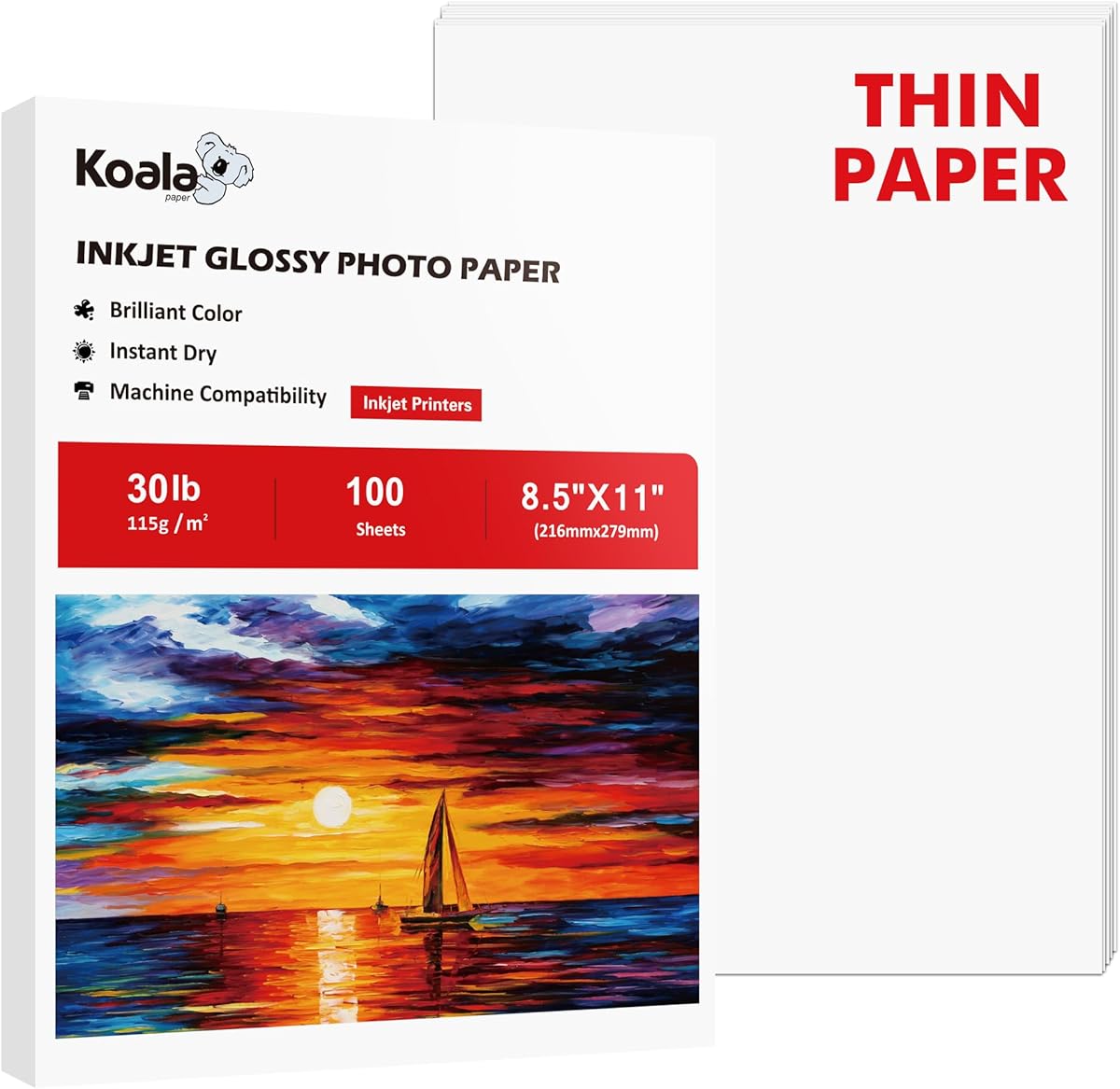
Koala Glossy Thin Inkjet Paper is a 4.7-rated option made specifically for dye-ink inkjet printers. Its 30 lb weight, equivalent to roughly 115 gsm, makes it thinner and more flexible than conventional heavyweight photo paper. The product description positions it as a practical stock for chip bags, flyers, brochures, party favors, candy wrappers, newsletters, reports, and presentations.
We may earn a commission when you buy through this link, at no additional cost to you.
The smooth glossy surface and good ink absorption are designed to support crisp text and vivid color across photographs and graphics. Its fast-dry behavior is especially helpful for DIY workflows in which printed pieces are cut, folded, or assembled soon after printing. The 100-sheet package further strengthens its appeal for small businesses, event planners, and crafters producing several related items rather than a single photograph.
There are important constraints. The paper must be used with dye ink, which excludes pigment-ink setups and laser printers. It is intended for single-sided printing, so the reverse side does not offer another coated image surface. Its thin construction may also be less suitable for large-format displays, heavily handled presentation pieces, or projects where substantial rigidity is important. The listed 30 lb weight should be considered carefully when durability matters.
Despite those limitations, Koala is a strong fit for lightweight, colorful paper crafts and small promotional projects. It is especially useful for creating custom packaging and event pieces where flexibility, foldability, and fast drying matter more than photo-paper thickness. The high customer rating indicates that the product delivers a satisfying result when used within its clearly stated dye-ink and single-sided design.
The thin 115 gsm construction folds and curves more readily than heavier photo paper. That makes it useful for chip bags, candy wrappers, party favors, folded inserts, and lightweight brochures.
Good ink absorption and a fast-dry surface support sharp printed details while reducing smearing. These qualities are particularly helpful when pieces need to be handled or assembled right after printing.
We may earn a commission when you buy through this link, at no additional cost to you.
Reastar Glossy Photo Paper is a 4.6-rated, 180 gsm inkjet paper supplied in a 36-sheet package. Its reflective finish is designed to add a polished appearance to photographs, illustrations, and other image-heavy pieces. The stated uses extend beyond standard photos to greeting cards, posters, calendars, baby books, chip bags, flyers, brochures, and detailed graphics.
We may earn a commission when you buy through this link, at no additional cost to you.
A super cast coating is credited with faster drying, reduced smearing, and fewer jams. The paper's good ink absorption is also intended to produce vibrant colors and sharp details, while the coating helps maintain that color over time. Its blank reverse side provides a practical place to write notes or captions, giving the sheet value beyond the glossy front.
The 36-sheet count is the main limitation for users who print in volume. It is the shortest package among the photo papers in this comparison, making regular replenishment more likely. As an inkjet product designed for dye ink, it should not be selected for a laser printer or assumed to work with pigment ink. While 180 gsm provides a substantial, craft-friendly feel, it is lighter than the 200 gsm option in the guide.
Reastar is a well-rounded choice for users who want vivid output and a quick-dry surface across a broad range of paper crafts. It is especially suitable for greeting cards, custom package inserts, calendars, and mixed graphic projects. Buyers making a small number of premium items may appreciate the 180 gsm construction, while frequent printers should account for the lower sheet count.
The same letter-size sheet works for photographs, cards, posters, calendars, and package designs. That versatility helps it serve home users, educators, crafters, and small-business projects.
The advanced coating is intended to dry ink quickly and help prevent jams. It also supports efficient handling after printing, which is useful for cards and multi-step craft assemblies.
We may earn a commission when you buy through this link, at no additional cost to you.
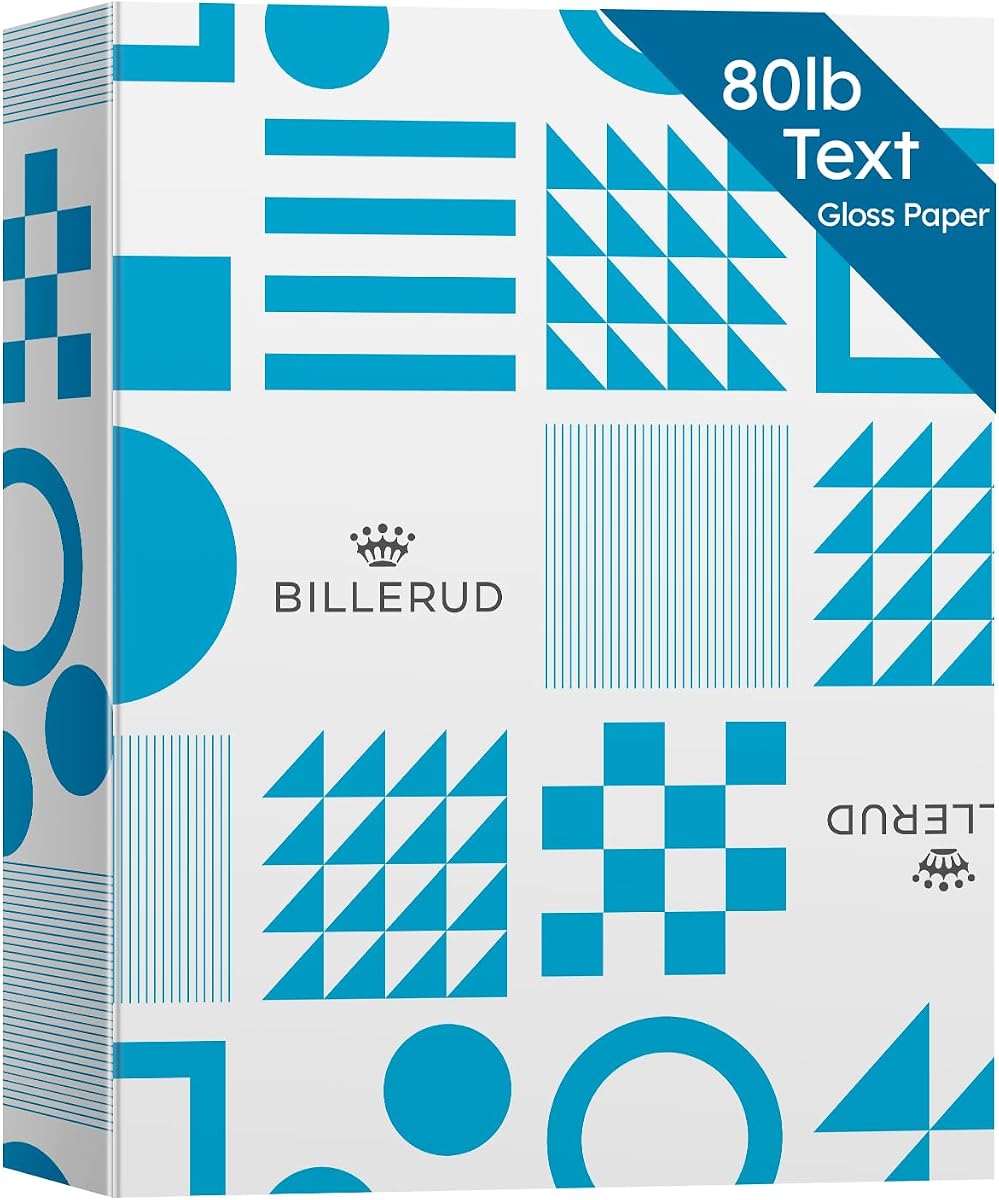
Gloss Digital Paper is a 4.5-rated, 500-sheet package designed for color laser, black-and-white laser, and digital printers. It combines an 80 lb text weight, also described as 32 lb bond, with 120 gsm thickness and 96 brightness. This specification places it as a substantial business paper rather than a lightweight flyer sheet, supporting professional output across proposals, brochures, flyers, posters, and presentations.
We may earn a commission when you buy through this link, at no additional cost to you.
The glossy surface is intended to reproduce rich color, strong image quality, and good opacity. That makes it useful for full-color photographs as well as documents that combine text and graphics. The product is also described as acid-free and lignin-free, helping preserve its appearance and reduce the risk of the paper becoming faded or brittle over time. These archival characteristics add value for records and retained marketing materials.
A 500-sheet quantity is exceptional within this roundup and suits organizations that print regularly. The product also includes a strong jam-free claim, although actual performance can vary with printer condition, settings, and environmental conditions. The heavier coated stock can be less convenient for frequent two-sided work because stiffness and gloss may affect duplex feeding. Users should also distinguish the 80 lb text or 32 lb bond description from heavier premium photo paper.
This is the best option for high-volume professional printing on laser and digital equipment. It is particularly attractive to design studios, offices, and small businesses that need a secure, substantial supply of letter-size gloss stock. For occasional personal photographs, a lighter inkjet paper may be more convenient, but for recurring professional work, the bulk quantity and archival specifications are compelling.
Five hundred letter-size sheets reduce the frequency of replenishment for offices and busy print environments. The secure package also supports convenient storage between projects.
Acid-free and lignin-free construction helps protect retained documents from premature fading and brittleness. Broad laser and digital compatibility makes the stock practical for both text-heavy and color-rich jobs.
We may earn a commission when you buy through this link, at no additional cost to you.
Uinkit 135gsm Glossy Inkjet Flyer Paper is a 4.6-rated, 100-sheet package with a single-sided glossy front. Its 135 gsm weight sits between basic copy paper and heavyweight photo stock, creating a flexible option for flyers, menus, brochures, party favors, shop inserts, wrappers, and other small-business materials.
We may earn a commission when you buy through this link, at no additional cost to you.
The smooth printable side is intended to make colors look bright and attractive, while the fast-dry design helps printed pieces become ready for handling. Its lighter construction makes the sheets easier to fold, curve, and layer than rigid photo paper. This is especially valuable for wrapped treats, party supplies, folded menus, and brochure-style inserts where excessive stiffness would make assembly more difficult.
The trade-off is that 135 gsm does not provide the same substantial feel as 180 gsm or 200 gsm options. It may not be the best choice for premium gallery-style photographs, signs exposed to handling, or pieces expected to resist bending. The glossy surface is also intended for one side, so double-sided photo printing is not the primary use case. As an inkjet product, it is not presented as a laser-compatible option.
Uinkit is a strong fit for small businesses, event suppliers, and home crafters who need a flexible glossy stock at a moderate thickness. It handles a particularly broad mix of promotional and packaging tasks without requiring a specialized heavy sheet. Choose it when easy folding, quick drying, and bright color matter more than gallery-level weight or fully duplexed gloss.
The 135 gsm construction gives printed pieces more flexibility than heavy photo papers. That makes the paper useful for menus, inserts, wrappers, favors, and layered craft projects.
A glossy front and fast-dry surface help event and promotional materials look polished while remaining practical for everyday production. The 100-sheet pack supports repeat small-business runs.
We may earn a commission when you buy through this link, at no additional cost to you.
Uinkit Inkjet Glossy Photo Paper combines 48 lb paper with a 180 gsm thickness and includes 100 letter-size sheets. Its 4.6 rating reflects a broadly positive customer reception, and the product is explicitly designed for dye-ink inkjet printers. The specification is important because compatibility is part of getting the intended sharpness and color from a glossy photo coating.
We may earn a commission when you buy through this link, at no additional cost to you.
The surface is promoted as delivering bright, detailed prints with sharper and more vibrant colors. An instant-dry coating helps reduce smearing during post-print handling, while the 180 gsm construction provides a solid feel compared with lighter flyer paper. The back has no logo or watermark, which creates a cleaner reverse surface for projects that call for writing, labeling, or mounting.
The main constraint is printer compatibility. This is not described as suitable for laser printers, and it is specifically intended for dye-ink inkjet output. It also features a photographic coating on one side, so buyers should not interpret the product as a double-sided glossy stock. Heavy saturation settings can also create a reflective appearance, so some users may prefer lighter ink coverage depending on the image and viewing conditions.
This Uinkit product is a versatile all-around inkjet paper for family pictures, invitations, portfolio pages, flyers, reports, classroom materials, and DIY work. It is particularly attractive for buyers who want a substantial 180 gsm feel, a generous sheet count, and a clean reverse side in one package. Confirm dye-ink compatibility before ordering, and select it when detailed color and easy post-print handling are the main goals.
The glossy surface is designed to make colors look more vibrant and details appear sharper. It works for both photographs and image-heavy pages such as invitations, portfolios, and flyers.
Neither side carries a logo or watermark according to the product information. The reverse can therefore be used for notes, captions, mounting, or project assembly without distracting marks.
We may earn a commission when you buy through this link, at no additional cost to you.
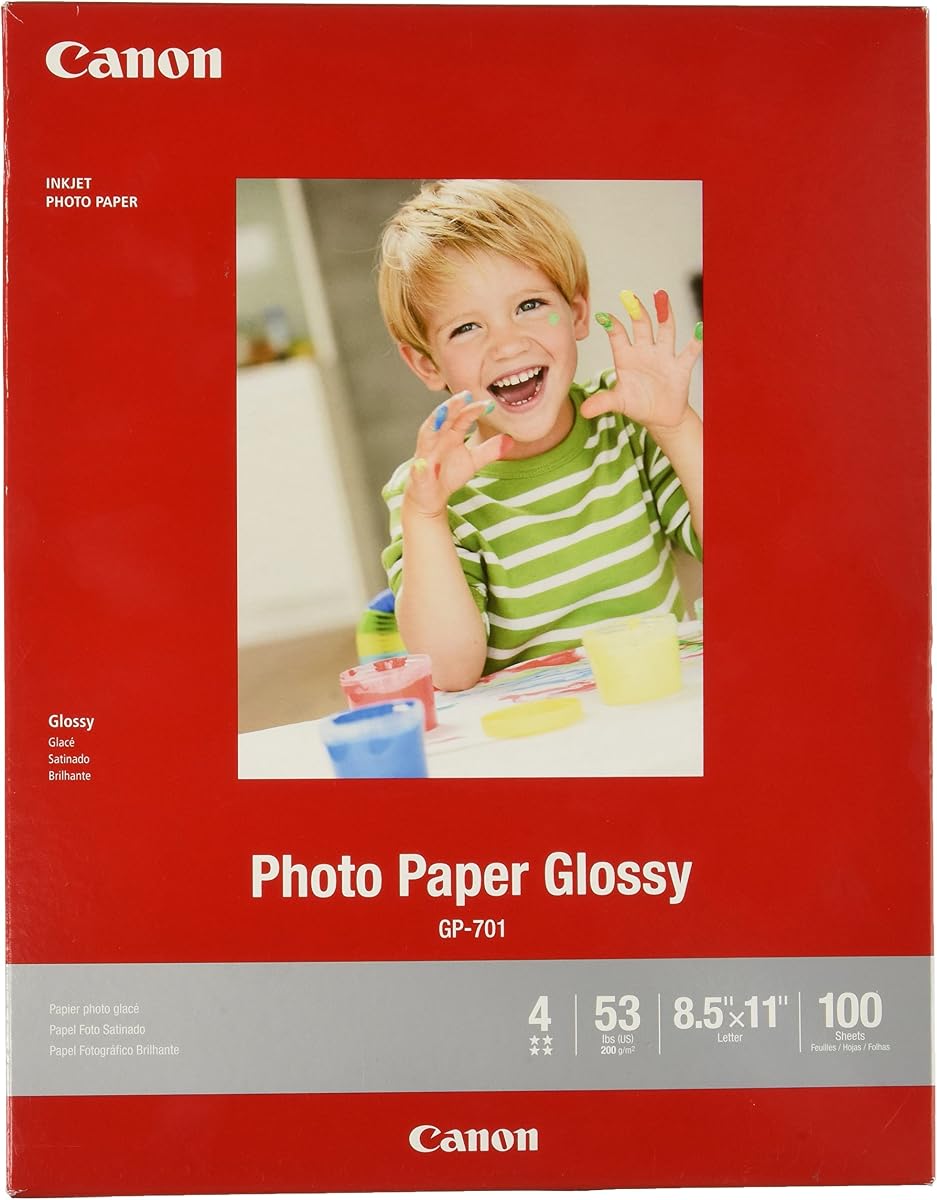
CanonInk Glossy Photo Paper is a 4.7-rated, 100-sheet package in the familiar 8.5-by-11-inch format. Its central selling point is straightforward: crisp, clear, high-quality photos with a vibrant glossy finish. That simplicity makes it an accessible option for consumers who want reliable photo paper without navigating a long list of specialized coatings and paper weights.
We may earn a commission when you buy through this link, at no additional cost to you.
The glossy surface can make bright colors and strong contrasts appear especially vivid, while the larger letter format supports full-page photos, photo albums, scrapbook pages, and mixed layouts. A 100-sheet quantity also provides enough paper for numerous personal projects or a substantial family printing session. The product is positioned as an economical choice that does not sacrifice the appearance of the finished image.
The supplied information is more limited than for many competing products. It does not state a basis weight, gsm value, drying-time specification, or explicit dye-ink requirement. That makes it harder to judge its physical heft and advanced handling characteristics from the listing alone. It is also an inkjet photo paper rather than a business-oriented laser sheet, so it should not be assumed suitable for every printer type or two-sided workflow.
CanonInk is a good option for home inkjet users who value the brand, a large sheet count, and a glossy finish for everyday photographs. It is well suited to family images, school projects, albums, and creative layouts where a clean full-page result is the main objective. For buyers who need a precisely defined weight or advanced drying coating, one of the more fully specified options may offer a more informed choice.
Letter-size sheets make it easy to print one full-page image per sheet. The glossy finish helps colors and details look clean and lively in albums, displays, and personal projects.
The package contains enough sheets for regular family or school use. It offers a straightforward way to complete a batch of full-page prints without moving to a larger bulk format.
We may earn a commission when you buy through this link, at no additional cost to you.
This 300 Sheets Glossy Photo Paper is a 4.6-rated option with 200 gsm or 54 lb weight. It combines the largest sheet count in the roundup with the heaviest stated photo-paper weight. That combination makes it particularly attractive to users who produce frequent photo prints, greeting cards, posters, calendars, menus, brochures, or customized packaging.
We may earn a commission when you buy through this link, at no additional cost to you.
The reflective coating is designed to enhance color and create a lifelike appearance in photographs and graphics. A super cast coating supports rapid drying, helping reduce smearing, running, and print-handling concerns. The product states that the coating absorbs and locks in ink to produce vibrant colors while maintaining image stability over time. The reverse side remains available for writing notes or captions.
Important restrictions accompany those features. The paper is compatible only with inkjet printers using dye inks, which rules out laser printers and many pigment-ink systems. At 200 gsm, it is substantial enough that some home printers may have narrower media-handling capabilities than the manufacturer recommends. In addition, only one side is glossy, so it is not a double-sided photographic paper. The 300-sheet package also requires adequate storage space.
This is the best pick for high-volume inkjet users who want a premium-feeling, heavyweight sheet and produce many photo-based projects. It suits dedicated photo printers and compatible inkjet models that are designed to handle substantial coated stock. Check printer specifications before a large run, select the correct dye-ink settings, and allow the printer tray to accommodate the paper's weight and stiffness.
Three hundred sheets suit users who print photos and graphics frequently. The bulk count reduces interruptions caused by repeatedly replenishing smaller packages.
The 54 lb weight gives projects a substantial feel and can help finished pieces hold their shape better than lighter stock. Printer compatibility should be confirmed before processing the entire package.
We may earn a commission when you buy through this link, at no additional cost to you.
The right glossy paper depends on printer technology, image density, project durability, sheet count, and the amount of color and text each piece must carry. Use the factors below to narrow the field before choosing a format.
Start by confirming how your printer handles coated paper. Most products in this guide are photo papers designed for inkjet systems, while HP Everyday Business Paper and the 500-sheet Gloss Digital Paper are intended for laser or digital workflows. Some inkjet sheets specifically require dye ink. A compatible printer, correct ink type, and suitable media setting are essential for predictable color, drying, and feeding.
Weight affects rigidity, folding, print-handling, and the perceived quality of the finished piece. The list ranges from 30 lb thin flyer stock to 48 lb and 54 lb photo paper, plus heavier 135, 180, and 200 gsm products. Lighter paper is easier to fold and better suited to packaging, while heavier stock feels more substantial and is often preferable for photos, cards, and display pieces.
A glossy finish reflects light and can make saturated colors appear vivid, but it can also produce glare when viewed from an angle. This effect is most noticeable in dark, dense, or high-contrast images. Consider the viewing environment and whether the paper will be handled closely. For text-heavy pages, a business gloss stock may be more practical than a highly reflective photo sheet.
A fast-dry or instant-dry coating is valuable when prints will be sorted, stacked, cut, folded, or assembled immediately. Several products in this guide explicitly advertise quick drying and reduced smearing. These features are especially helpful for greeting cards, package inserts, flyers, and craft projects. Always allow the printer's own drying time to elapse before physically handling a freshly printed sheet.
Package sizes range from 36 sheets to 500 sheets. Small packs suit occasional printing and inexpensive trial, while 100- and 300-sheet packs are more convenient for families, classrooms, and creators. A 500-sheet business package is best for offices that print continuously. Consider not only the frequency of printing but also the amount of storage space available for keeping paper flat, clean, and dry.
Many glossy photo papers are designed for single-sided printing, with a blank or non-glossy reverse that may be used for notes, captions, mounting, or folding. If your design requires images on both sides, confirm that the selected product specifically supports duplex glossy printing. Otherwise, print the image on the coated side and use the reverse for text or project assembly.
Full-page photographs call for standard 8.5-by-11-inch photo paper, while brochures, flyers, menus, and business reports may be better served by lighter or heavier business stock. Craft projects have different needs again: thin glossy stock folds well for chip bags and wrappers, whereas 180 or 200 gsm paper provides a more substantial card or display surface. The intended use should determine which specifications matter most.
Some options include specific longevity or environmental claims. HP Everyday Photo Paper is FSC-certified, recyclable, and stated to resist fading for decades when printed with Original HP Ink. The 500-sheet Gloss Digital Paper is acid-free and lignin-free. Such claims provide useful context, but actual longevity also depends on ink, light exposure, humidity, handling, and storage conditions.
Store glossy paper in its original package or in a clean, dry enclosure protected from dust, moisture, and direct sunlight. Keep the sheets flat and avoid bending or curling the edges, since coatings and heavier photo stocks can develop feed problems after prolonged exposure to humidity. Before printing, remove only enough paper for the current job and keep the remainder sealed to preserve its condition.
Select the correct media type and paper weight in the printer software rather than using the plain-paper setting. For dye-ink products, confirm that the installed ink meets the paper's requirements. Load one appropriately sized sheet at a time when a coated item causes alignment or feed issues, clean the printer's feed rollers if the manufacturer recommends it, and allow the printer to complete its drying cycle before removing large jobs.
Handle prints by the edges and let them dry fully before stacking, trimming, folding, or gluing. Use clean hands or gloves for especially valuable photographs, and keep finished pieces away from prolonged direct sunlight, excessive humidity, and abrasive surfaces. To display photographs, use a clean archival mount and suitable framing materials. If a print is exposed to moisture, air it out and avoid rubbing the coated surface, as that can damage the finish.
Only choose paper that explicitly states compatibility with the printer you own. Most products in this guide are intended for inkjet printing, particularly dye-ink photo printers, while the HP business paper and the 500-sheet Gloss Digital Paper are designed for laser or digital equipment. Using the wrong paper type can lead to smearing, poor adhesion, feed issues, or reduced print quality.
Glossy business paper is optimized for professional documents, flyers, brochures, and mixed text-and-color layouts. Glossy photo paper is designed around image quality, vivid color, detailed photographs, and a smoother photographic coating. Photo paper may also be heavier and more sensitive to bending, while business gloss often provides a practical balance for office printing.
No. Heavier paper can feel more substantial and resist curling, but it may be harder to feed, fold, or use in a compact printer. Thin glossy stock is often better for wrappers, folded menus, and chip bags, while heavier 180 or 200 gsm paper suits photographs, cards, and display projects. The best weight is the one that matches the printer and finished use.
Smudging can result from handling a print before the ink has fully dried, using an incorrect media setting, or choosing a paper that does not match the printer and ink. Use a glossy or photo-paper setting, reduce ink coverage when appropriate, and allow the printer's full drying cycle to finish. Also confirm that the paper explicitly supports your ink type.
You can usually print text or use the reverse for notes, but the back will not provide the same photographic gloss or sharpness as the coated side. Some printers may also be configured for single-sided glossy media. Check the paper's instructions and printer settings, and avoid assuming that a blank reverse is suitable for a second full-color photograph.
Gloss paper can produce more vivid color and stronger contrast, while matte paper generally reduces glare and may be easier to view from different angles. Gloss is often preferred for formal photos and vivid images, whereas matte is useful for documents viewed under bright lighting or for projects that will be handled frequently. The desired appearance and viewing environment should guide the choice.
Keep it flat, clean, and dry in its original packaging or a protective paper folder. Avoid humidity, direct sunlight, food, dust, and contact with wet hands. For long-term storage, keeping the package sealed helps protect the coating and minimizes curling or contamination before the paper is used.
No. Toner and ink reproduce color through different processes, and the paper's coating can affect the final result. A photo paper formulated for dye ink may behave differently in a laser printer, while a laser gloss stock may not deliver the same photographic appearance. Select the product category intended for your printing technology and use its recommended color profile or settings.
HP Everyday Photo Paper is the strongest general recommendation for bright, durable, quick-drying home photo prints. HP Everyday Business Paper stands out for laser-based reports, proposals, and professional color documents, while the 500-sheet Gloss Digital Paper offers the most substantial supply for offices using color laser or digital printers. Each serves a different printing environment, so printer compatibility is the first dividing line.
Inkjet users should next compare weight, sheet count, coating, and ink requirements. Dye-ink papers such as Koala, Reastar, Uinkit, and the 300-sheet option cover everything from lightweight packaging to heavyweight photo production. For professional color work, the 180 gsm Uinkit paper provides a substantial feel and clean reverse, while Reastar offers a shorter pack with a versatile quick-dry coating.
Regardless of the selected product, confirm the printer compatibility, media settings, supported ink type, and intended finish before ordering. Availability, manufacturer details, and prices can change, and current listing information should be checked before purchase. The right glossy paper is ultimately the one that fits both the device and the finished project without compromising print quality, handling, or convenience.